
Home » Register

TKPK Register: Open Your New Account Safely and Start Playing
Register on TKPK with fast mobile onboarding and verified, secure account setup
Start your account in minutes with a clear, mobile-first flow. Use this TKPK register guide to create your profile safely, verify quickly, and get ready for cricket markets and JILI slots without delays.
Join with confidence using strong verification and name-matching for payouts. Begin on the TKPK Main Site and finish sign-up on your phone with quick checks that keep your account protected from day one.
Why creating your TKPK account now saves time and keeps you protected
Registration unlocks faster access, clearer offers, and smart tools that help you play with confidence.
Verified identity for safer deposits and fast payouts
Your details are checked so funds reach the right person. Name consistency reduces review time and makes cash-outs smoother.
Mobile-first dashboard that loads quickly on data-saving mode
Menus fit small screens, taps are minimized, and essential actions are always within thumb reach.
Cricket odds and match markets ready when you log in
Explore pre-match and live options, from internationals to league action, with quick filters for favorites.
Popular slots with JILI and other leading providers
Spin top JILI titles alongside more hit studios. Game info is clear, including RTP and features.
Transparent promos with clear terms and reminders
See wagering, valid games, and time limits before you claim. Get alerts so you never miss value.
Help center and chat that suit local hours
Support aligns with match evenings and peak play times, so answers arrive when you need them.
Simple mobile sign-up steps that work cleanly on any BD smartphone
- Tap the Register button from the home screen or menu to start.
- Enter your local mobile number (starting with 01) and set a strong password.
- Type your full legal name exactly as it appears on your payment account.
- Add email and date of birth, agree to the terms, and submit the form.
- Check your phone for the SMS OTP, then enter it to confirm your number.
- Create a 4–6 digit PIN for quick logins, or enable biometrics if your device supports it.
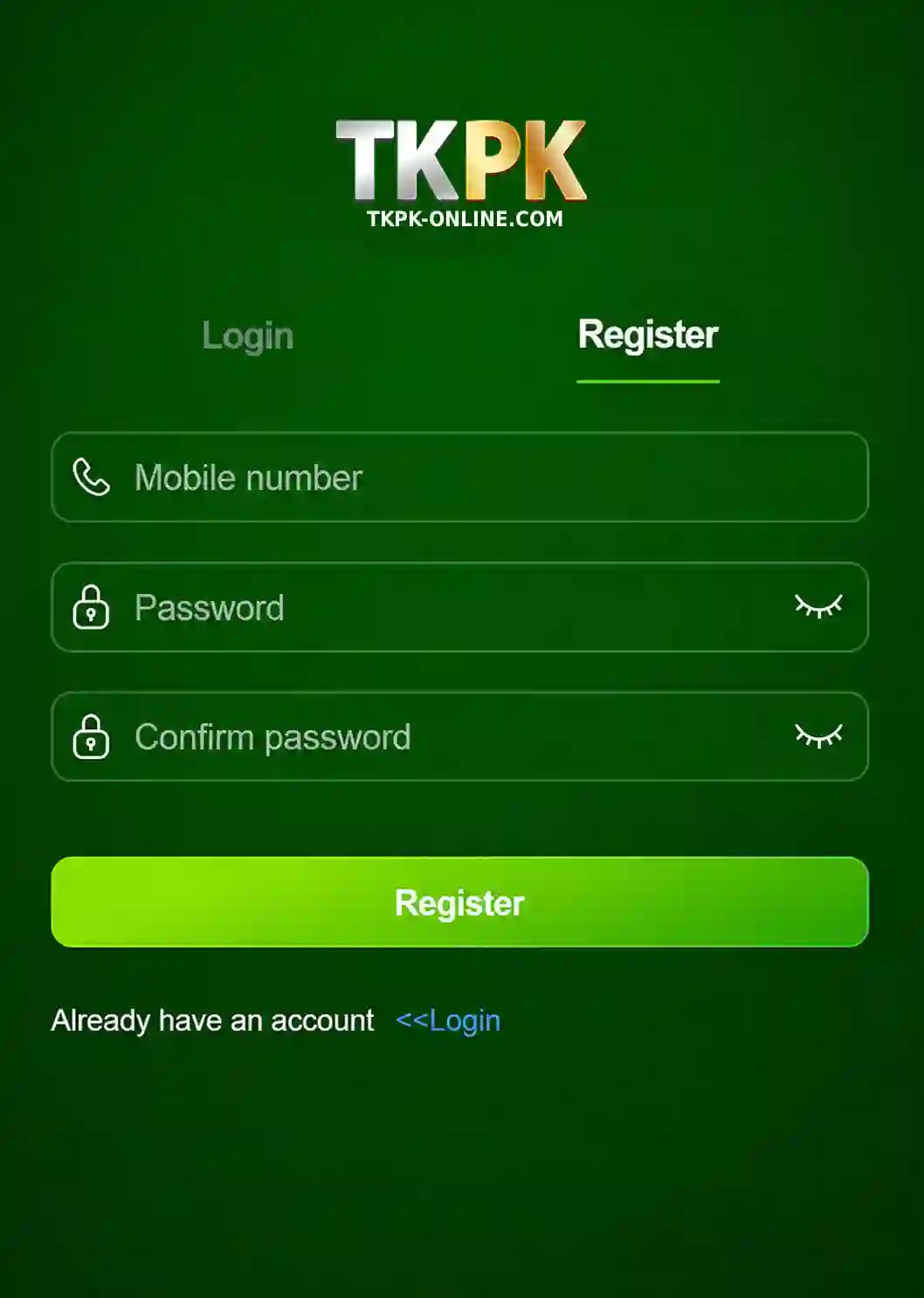
What happens after you press the register button and what to prepare
When you tap TKPK Register, the system verifies your mobile number, sends an OTP, and creates your secure member ID. You may see a short prompt to set limits or confirm notification settings.
Have these ready: full legal name, mobile number, email, date of birth (18+), and a unique password. You might be asked to confirm identity before your first withdrawal to keep payouts safe and matched to your details.
How to log in next time: open the site or app, choose login, enter your mobile number and password or PIN, and tick “remember this device” only on your personal phone.
Smart setup tips for BD mobile users to secure and speed up access
Match your profile to the exact payment account name
Use the same spelling, order, and spacing as your payment account. It cuts review time and prevents payout holds.
Use a long passphrase and a different PIN for quick login
Create a 12+ character passphrase and avoid birthdays or simple patterns. Keep your PIN unique and never share it.
Turn on two-factor authentication and device alerts
Require a code for new devices and get alerts on unusual sign-ins. This blocks unauthorized access.
Keep your number and email active for OTP delivery
Update your contact details if you change SIMs or inboxes. Reliable OTP delivery keeps your account accessible.
Install the official app for faster notifications and updates
Get smoother logins, lighter data use, and match alerts by installing the TKPK mobile app on your phone.
Why a verified account improves play, payments, and personal recommendations
A verified profile speeds up access to cricket markets, early cash-out options, and fan-favorite slots like JILI. You’ll also see recommendations based on what you enjoy, whether that’s TKPK cricket markets, live games, or new releases.
Registered members get clearer promos, priority support during peak hours, and tools that work well on low-data connections. Use the TKPK app tools to track bets, set alerts, and view histories with fewer taps.
New players can review the TKPK welcome offer details before claiming, with transparent terms and timeframes displayed in your promotions tab.
New member FAQs about creating, verifying, and accessing your TKPK account
What details do I need to create my TKPK account?
You’ll need your local mobile number, full legal name, email, date of birth (18+), and a strong password. Keep these accurate to speed up verification.
Do I need ID verification before my first deposit or withdrawal?
You can usually deposit after sign-up, but withdrawals may require identity checks. Keep your profile name matched to your payment account for faster approval.
Why didn’t I receive the SMS OTP during sign-up?
Check signal, storage for new messages, and if Do Not Disturb is on. Request a resend, or try again after restarting your phone to refresh the network.
Can I change my registered mobile number later?
Yes. You’ll need to verify the new number and confirm account ownership. Support may request additional checks to protect your account.
How do I set limits or take a short break from play?
Open your profile settings and choose spending limits, time reminders, or a cooling-off period. These controls apply instantly or at your next login.
Ready to register and start with secure, mobile-first access today
Create your TKPK new account now and move from sign-up to action in minutes. Your profile will be protected with verification that respects your time and privacy.
Open your TKPK account to explore cricket odds, hit slots from JILI, and member-only bonuses. Sign up today for faster access and tools built for mobile play.